How to Make EF Core's Generated SQL Readable (and Reviewable)
Get the SQL out of EF Core, format it, and review it with five questions
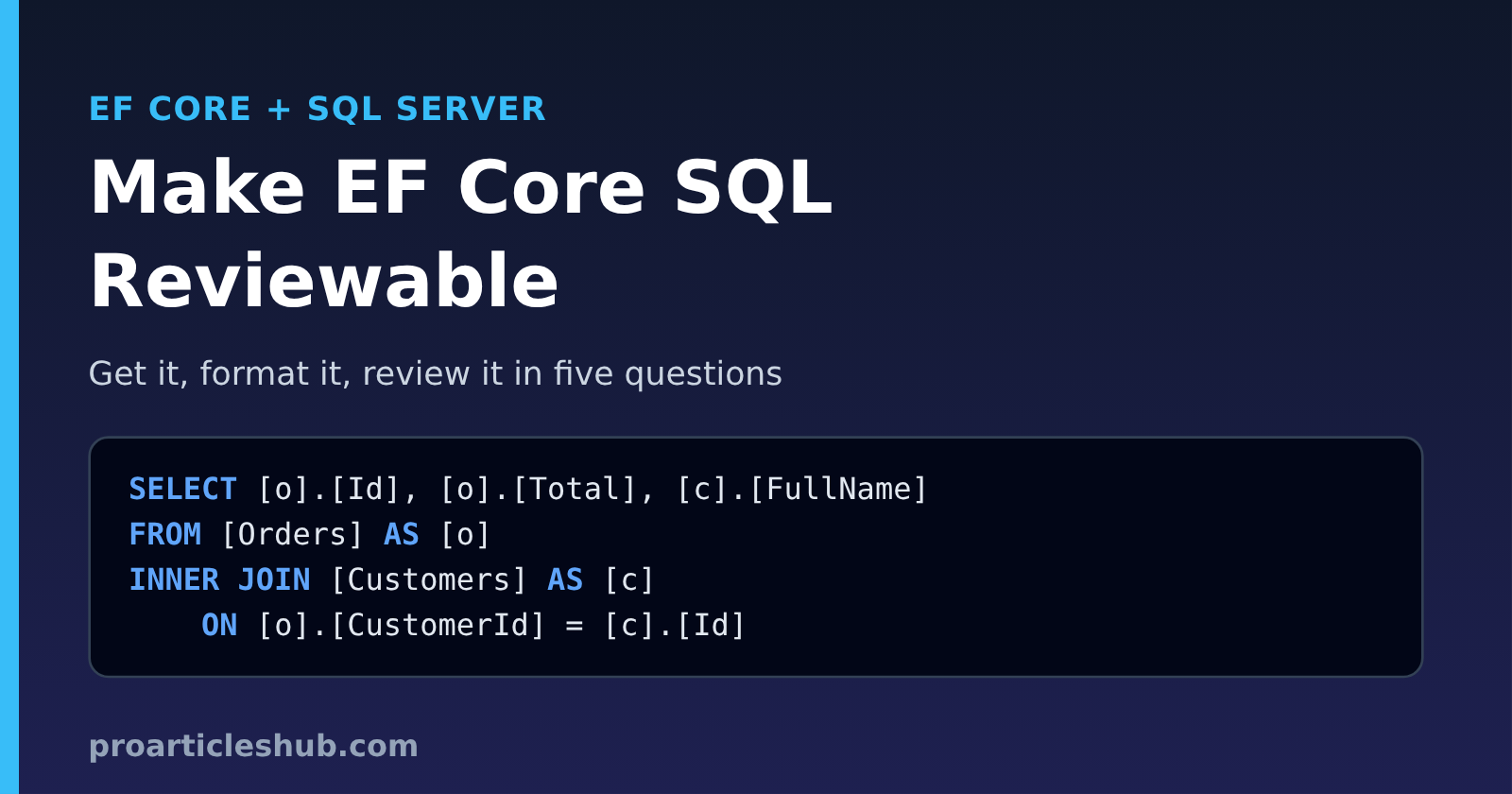
If you use Entity Framework Core with SQL Server, the most important code in your data layer is code you never wrote: the SQL that EF generates. When a page gets slow or returns the wrong rows, that SQL is where the answer is. The problem is that it usually reaches you as one long, bracket-heavy line in a log.
Here is the routine I use in .NET projects to turn EF Core output into SQL I can actually review.
Step 1: Get the SQL out of EF Core
You have two easy options.
For a single query, call ToQueryString() on the IQueryable (EF Core 5 and later). It returns the SQL without running it, including DECLARE lines for the parameters:
var query = db.Orders
    .Where(o => o.CustomerId == customerId && o.Status != "Cancelled")
    .Include(o => o.Customer)
    .OrderByDescending(o => o.CreatedAt);

Console.WriteLine(query.ToQueryString());
For everything in a request, turn on logging in development:
options.UseSqlServer(connectionString)
       .LogTo(Console.WriteLine, LogLevel.Information)
       .EnableSensitiveDataLogging(); // development only: logs parameter values
EnableSensitiveDataLogging() writes real parameter values to the log, so keep it out of production.
Step 2: Format it before you read it
Raw EF output looks something like this:
SELECT
    [o].[Id],
    [o].[CreatedAt],
    [o].[CustomerId],
    [o].[Status],
    [o].[Total],
    [c].[Id],
    [c].[Email],
    [c].[FullName]
FROM [Orders] AS [o]
INNER JOIN [Customers] AS [c]
    ON [o].[CustomerId] = [c].[Id]
WHERE [o].[CustomerId] = @__customerId_0
    AND [o].[Status] <> N'Cancelled'
ORDER BY [o].[CreatedAt] DESC
After formatting, the shape of the query is obvious:
SELECT
[o].[Id],
[o].[CreatedAt],
[o].[CustomerId],
[o].[Status],
[o].[Total],
[c].[Id],
[c].[Email],
[c].[FullName]
FROM [Orders] AS [o]
INNER JOIN [Customers] AS [c]
ON [o].[CustomerId] = [c].[Id]
WHERE [o].[CustomerId] = @__customerId_0
AND [o].[Status] <> N'Cancelled'
ORDER BY [o].[CreatedAt] DESC
I paste the output into a free SQL formatter for SQL Server that I built for exactly this. It keeps [brackets], N'strings' and parameters untouched, and it runs in the browser, so queries from a client project never leave my machine.
Step 3: Review it with five questions
Once the query is readable, I check:
- Is the filter in SQL? Look for your conditions in the
WHEREclause. If a condition you wrote in LINQ is missing, EF may be filtering in memory after loading too many rows. - Which columns are selected? Loading whole entities selects every column. If the page needs three fields, a
Select(...)projection produces a much smaller query. - What did
Includeproduce? EachIncludeadds a join. Required references usually becomeINNER JOIN, optional ones and collectionsLEFT JOIN. Several collection includes in one query can multiply rows; that is whenAsSplitQuery()is worth testing. - How many statements ran? If the log shows the same
SELECTrepeated once per row, you have an N+1 problem, usually from lazy loading inside a loop. - Will the WHERE use an index? Functions on columns (for example a date part) and
LIKEpatterns that start with%cannot use an index seek.
Step 4: Save the formatted version
When a query matters (a report, a slow endpoint, a bug fix), I paste the formatted SQL into the pull request description or the ticket. Reviewers can comment on a specific line, and the next person investigating the same endpoint starts with readable SQL instead of a log line.
Why this habit pays off
Most EF Core performance problems I have seen were visible in the generated SQL: an unexpected join, a missing filter, a query running fifty times. Formatting does not fix any of them, but it makes them impossible to miss.
If your team writes raw T-SQL as well, the same layout rules apply. I collected the conventions I use in SQL Formatting Best Practices for SQL Server.
I am Kamran Liaquat Ali, a .NET software engineer working with ASP.NET Core, C# and SQL Server. I build free developer tools at Pro Articles Hub.
About the author
- I’m a software engineer who builds practical web tools and publishes helpful guides about Windows, SEO, analytics, and modern technology. I created Battery Health Lab to make Windows battery reports easier to understand while keeping analysis private in the user’s browser.
Comments
Join the discussionNo comments yet. Be the first to comment.