
How I Built a WordPress Broken Link Checker for 500-Page Audits
A practical look at sitemap discovery, HTTP response classification, CSV exports, and the decisions behind a WordPress-based link audit tool.
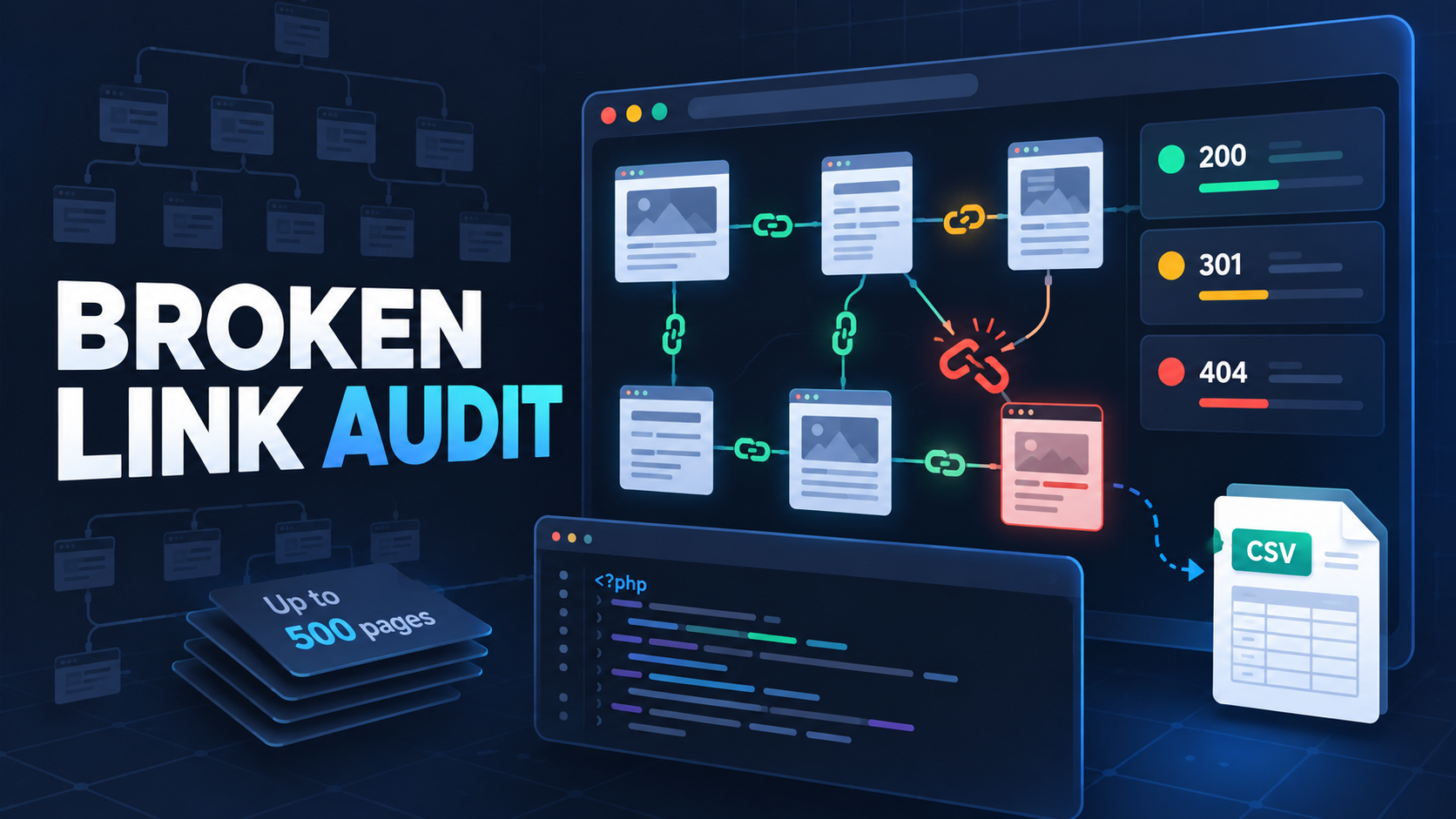
Broken links are easy to fix once you know where they are. The difficult part is finding them across a growing website, separating genuine failures from restricted responses, and showing enough context for someone to make the right correction. I built a WordPress-based checker to make that review process more practical.
This article explains the decisions behind the tool, how its audit workflow is organized, and why an automated result should be treated as evidence to review rather than an instruction to delete a link.
The maintenance problem I wanted to solve
A single article may contain only a handful of links, but a publication with hundreds of pages can contain thousands of internal and external destinations. Over time:
Pages are deleted or renamed.
Permalink structures change.
External documentation moves.
Domains expire.
Temporary server failures appear.
Security systems block automated requests.
Opening every page and testing every link manually does not scale. I wanted a tool that could automate discovery and status checking while keeping the final decision with the website owner.
The resulting PAH Broken Link Checker can audit up to 500 eligible public pages and organize the detected links into useful status groups.
Start with the website, not a random page
The tool expects a website homepage as its starting point. From there, it looks for a public XML sitemap and collects eligible same-domain page URLs.
This approach has two practical benefits:
It gives the audit a defined scope.
It avoids blindly crawling every URL that can be reached through navigation, calendars, filters, or other potentially unlimited paths.
Sitemaps are not perfect inventories, but they are usually a sensible starting point for a repeatable website audit.
Separate page discovery from link checking
The workflow has two distinct stages.
First, the checker discovers and retrieves eligible website pages. It then extracts standard HTTP or HTTPS links from their HTML.
Second, it deduplicates destination URLs and checks their responses. Deduplication matters because the same navigation, footer, legal, or reference link may appear across many pages. Checking identical destinations repeatedly would slow the audit and make the final report harder to review.
The report also keeps a discovered source page for each destination. A broken URL without context is less useful than a broken URL accompanied by a page where it was found.
A non-200 response is not always broken
One of the most important design decisions was to avoid treating every non-200 response as the same problem.
Successful responses
A 2xx response generally means the destination was reachable during the scan. It does not guarantee that the content is still relevant, but it normally requires no immediate technical correction.
Redirects
Responses such as 301, 302, 307, and 308 are shown separately. Redirects are normal when pages move, so they are not automatically classified as broken.
For an important internal link, it may still be worth updating the source to point directly to the final destination. That reduces unnecessary redirect hops and keeps the website's internal references current.
Restricted responses
The checker separates 401, 403, and 429 responses into a restricted category.
These codes can appear because a destination requires authentication, blocks automated traffic, applies firewall rules, or rate-limits repeated requests. A normal browser may still be able to open the page, so deleting the link automatically would be the wrong response.
Broken responses
Responses such as 404 and 410 usually indicate that the resource is unavailable at the requested address. Other 4xx or 5xx results may also require investigation, depending on their meaning and whether the failure persists.
Request errors
Timeouts, DNS failures, and refused connections do not always prove that a page is permanently unavailable. They are reported separately so the user can retry or verify the destination from another network.
Why manual verification still matters
Automated link checkers interact with websites differently from human visitors. Bot protection, JavaScript rendering, authentication, regional restrictions, and temporary outages can all affect a result.
My preferred workflow is:
Filter the audit to broken or uncertain results.
Open the reported source page to understand the link's purpose.
Test the destination in a normal browser.
Confirm whether the failure is permanent.
Correct, replace, redirect, or remove the link based on context.
Run the audit again after making changes.
This avoids turning a useful diagnostic tool into an automatic content-deletion system.
Choosing the right fix
Different failures require different actions.
| Situation | Sensible response |
|---|---|
| Typo in the destination | Correct the URL in the source page |
| Internal page permanently moved | Update the link and create a relevant permanent redirect if needed |
| External reference moved | Replace it with the current authoritative URL |
| Content intentionally removed | Remove the link or return a genuine 404/410 when no replacement exists |
| Destination returns 403 or 429 | Verify manually before editing anything |
| Temporary 5xx or timeout | Retry later before deciding |
A redirect should lead to a genuinely relevant replacement. Sending every missing page to the homepage may hide the error without helping the visitor.
Building it for WordPress
The published implementation is written in PHP and designed for WordPress. It can be integrated through the included shortcode:
[pah_broken_link_checker]
The interface provides status filters, report search, source-page information, and CSV export so results can be reviewed in Excel or Google Sheets.
The source implementation is publicly available in the PAH Broken Link Checker GitHub repository. The repository also includes contribution guidance, a security policy, issue templates, and notes about responsible reporting.
The code is source-available for review and improvement. No open-source license is granted unless a license file explicitly says otherwise, so users should review the repository's ownership terms before reuse.
Limitations worth documenting
Clear limitations make an auditing tool more trustworthy.
The current scan is limited to 500 eligible pages.
Page discovery depends on a readable public sitemap.
The scanner extracts standard anchor links present in retrieved HTML.
Links created only after complex JavaScript execution may be missed.
Some destinations intentionally block automated requests.
The stored source page is a discovered occurrence, not a complete backlink report.
A successful HTTP response cannot determine whether the page's content is accurate or relevant.
These limitations do not make the audit useless. They define what the results can reliably tell you.
Final takeaway
A broken-link audit works best when automation and human judgment are combined. Automation can discover pages, collect destinations, test responses, remove repetition, and highlight likely problems. A person still needs to understand why the link exists and choose the appropriate fix.
That balance shaped the PAH Broken Link Checker: automate repetitive inspection, preserve useful context, and avoid pretending that every unusual HTTP response has the same meaning.
